Do you feel like your WordPress blog is stuck on page five of Google, even after weeks of effort? Many UK small-business owners face this challenge, unsure how to optimise WordPress content for Google and turn their site into a customer magnet. This guide reveals actionable techniques, tailored for UK WordPress users, to finally move up the rankings and get noticed.
Key Takeaways
- Consistent, high-quality publishing is the single biggest driver of organic growth for WordPress sites in the UK.
- Optimising content for search engines means using researched keywords, strategic on-page SEO, and structured internal linking.
- Meta tags and descriptions for WordPress posts are vital for rankings and click-through rates.
- Local SEO tactics help UK businesses stand out in regional Google searches.
- Managed services like WordPress-SEO.co.uk offer a cost-effective, automated alternative to expensive agencies.
Why Is Content Optimisation So Important?
Unlocking Organic Growth for WordPress Sites
Content optimisation is the process of refining your website and blog posts so that search engines, like Google, can easily understand and rank them. For UK businesses, how to optimise WordPress content for Google is more than a technical checklist—it's a growth strategy. Without it, even the most informative posts may remain invisible to your ideal audience. Over 40% of all websites are built on WordPress, making it highly competitive. To improve WordPress SEO, you need to make every article count by ensuring it speaks the language of both users and search engines.
The Impact on Visibility and Sales
Why is content optimisation important? It directly affects your website’s ability to appear on the first page of search results, which is where the majority of user clicks occur. Better visibility means more organic traffic, more leads, and ultimately more sales. For UK businesses in competitive markets, optimising WordPress content for search engines gives you a crucial edge, whether you’re targeting national or local customers. Without this, your investment in content creation can go unnoticed, costing you both time and potential revenue.
Step-by-Step: How to Optimise WordPress Content for Google
1. Keyword Research for WordPress Optimisation
Every successful SEO strategy starts with choosing the right keywords for WordPress optimisation. Research what your customers are searching for—think beyond generic terms and include specific phrases like “WordPress SEO tips for UK websites” or “how to rank WordPress posts in Google.” Use tools such as Google Keyword Planner, Moz, or let a managed service like WordPress-SEO.co.uk handle keyword research for you. Well-chosen keywords are the foundation for optimising content for search engines and ensuring your posts reach the right audience.
2. Crafting SEO-Friendly Titles, Headings, and Meta Descriptions
To truly understand how to optimise WordPress content for Google, you must focus on on-page elements. Place your primary keywords in the title (H1), subheadings (H2, H3), and naturally within the content. Meta tags and descriptions for WordPress are often overlooked, but they play a significant role in enticing users to click your result. Each meta description should be unique, under 155 characters, and include both your location and target keyword for maximum effect.
3. Writing and Structuring SEO-Friendly Content
SEO-friendly content is clear, concise, and addresses the user’s intent. Use short paragraphs, bullet points, and relevant headings. Internal linking is key—connect related posts to keep visitors engaged and help Google crawl your site. For example, in an article about how to increase organic traffic on WordPress, link to your guides on best practices for WordPress content or local SEO for UK WordPress sites. Consistency in publishing—whether weekly or fortnightly—is one of the most effective SEO strategies for WordPress blogs.
4. Optimising Images and Media
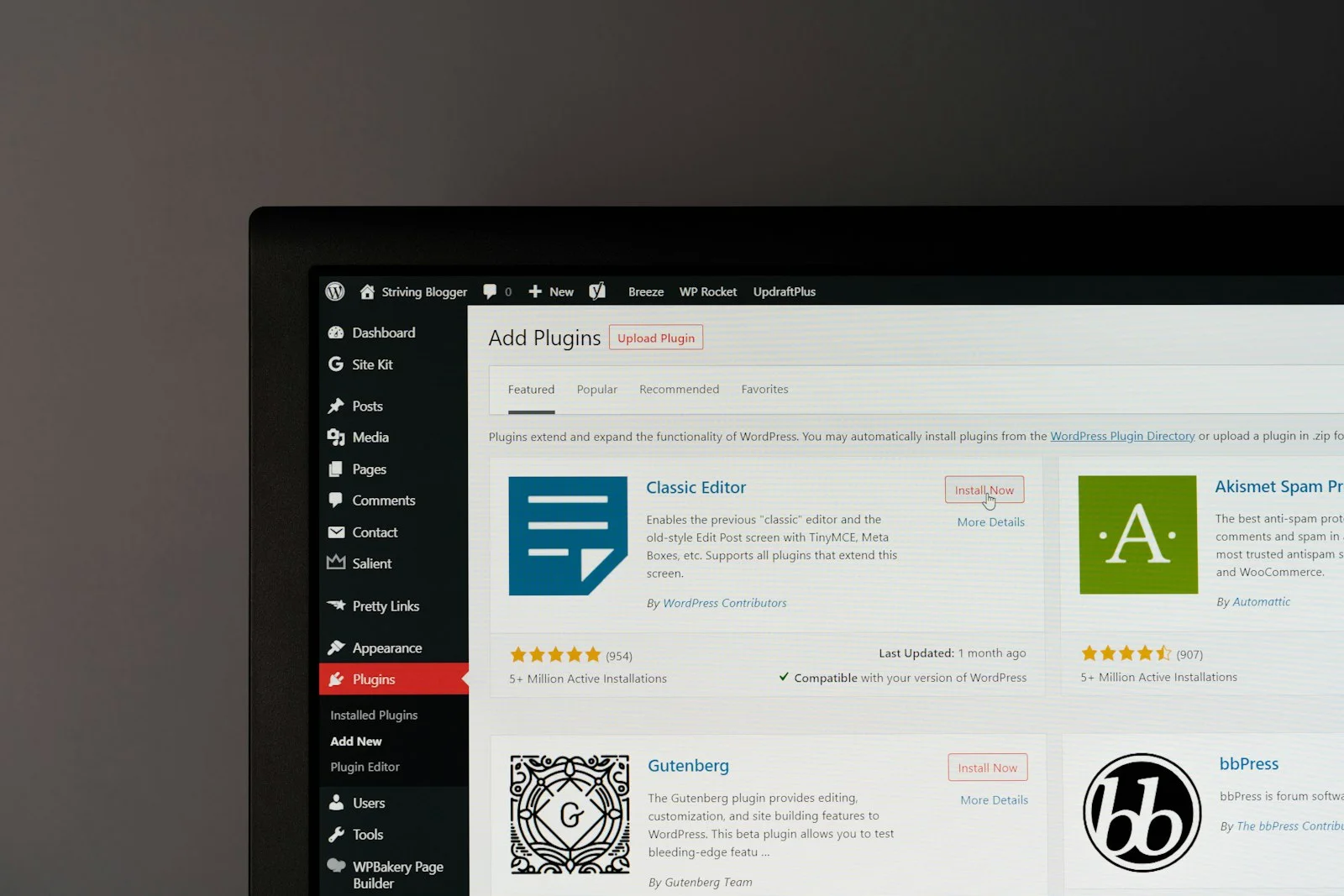
Don’t forget to optimise your images by compressing them for faster loading and using descriptive alt text. Google rewards fast, accessible sites. For UK businesses, this is especially important as mobile searches now account for the majority of local queries. Tools like ShortPixel or Smush help automate image optimisation, or you can manage this process using available WordPress plugins.
Local SEO: How to Optimise WordPress Content for Google in the UK
Targeting Regional Keywords and Search Behaviour
Local SEO for UK WordPress sites is a must if your business serves a particular area. How to optimise WordPress content for Google locally means including location-specific keywords such as “electrician in Leeds” or “best vegan café London.” Mention relevant neighbourhoods, landmarks, or service areas within your articles. This approach not only helps you rank for local intent searches but also increases trust with UK customers.
Optimising Google Business Profile and Local Directories
Claim and complete your Google Business Profile with accurate details—address, phone number, and business hours. Encourage satisfied UK customers to leave reviews, as positive ratings improve your local search rankings. List your site in reputable local directories like Yell.com, Trustpilot, or Checkatrade, ensuring your NAP (Name, Address, Phone) is consistent across all platforms. These steps are essential for how to optimise WordPress content for Google and outperform competitors in your region.
Mobile Optimisation and Site Speed
With more than 60% of UK web searches performed on mobile devices (Statista), mobile optimisation is now a ranking factor. Use responsive WordPress themes and test your site speed with Google's PageSpeed Insights. Compress images, enable caching, and reduce unnecessary plugins. Fast, mobile-friendly sites rank higher and provide a better user experience, both of which are crucial for local SEO success.
On-Page and Technical SEO: Advanced Best Practices
Internal Linking and Strategic Site Structure
A strong internal linking structure distributes authority across your site and helps Google understand which pages are most important. Use descriptive anchor text, linking relevant keywords naturally within your articles. For example, if you’re explaining how to write SEO-friendly content, link to your previous posts on optimising content for search engines or improving WordPress SEO. Well-organised menus and category structures further enhance crawlability.
Schema Markup and Rich Results
Adding schema markup to your WordPress content can help Google display rich snippets—such as star ratings, FAQs, or business details—directly in search results. Plugins like Yoast SEO or Rank Math make schema implementation straightforward. For UK businesses, using LocalBusiness schema can boost visibility in maps and knowledge panels. This is a technical yet highly effective way to enhance website visibility and improve click-through rates.
Regular Content Audits and Updates
Google favours fresh, relevant content. Regularly audit older articles to update statistics, improve headings, and add new internal links. This is particularly important for regulated UK industries, where compliance and accuracy matter. Scheduled content reviews ensure your WordPress content marketing in the UK remains current and authoritative, helping maintain and grow your rankings.
| SEO Task | DIY Approach | Traditional Agency | WordPress-SEO.co.uk |
|---|---|---|---|
| Keyword Research | Manual, time-consuming | Included | Fully automated and UK-focused |
| Content Writing | Owner writes or hires freelancers | Included | AI-optimised, automatically generated |
| On-Page SEO | Manual edits, plugin setup | Included | Automated (titles, meta, schema, internal linking) |
| Publishing | Manual upload to WordPress | Included | Automatic via REST API |
| Monthly Cost | Low money, high time | £200–£5,000+ (managed) | From £49 (fraction of agency cost, cancel anytime) |

How to Optimise WordPress Content for Google and AI Search in 2026
Optimising for AI-Powered Search Engines
In 2026, users aren’t just searching on Google—they’re using AI-driven platforms like ChatGPT, Gemini, and Perplexity. To optimise WordPress content for Google and these AI engines, craft articles that answer specific questions, use natural language, and provide clear, factual information. This increases the likelihood your content will be cited or summarised by AI tools, driving additional traffic and authority to your site.
User Intent, Experience, and Accessibility
Understanding user intent is crucial for how to optimise WordPress content for Google. Is your audience looking for information, a product, or a specific service? Tailor your content to directly address their needs, using clear calls-to-action where appropriate. Make your site accessible—use alt text, readable fonts, and logical navigation. The best practices for WordPress content now prioritise both SEO and user experience, ensuring you reach and engage UK searchers effectively.
Consistency: The Key to Long-Term Organic Growth
Publishing consistently signals to Google that your WordPress site is active and authoritative. UK businesses that stick to a regular schedule—posting weekly or biweekly—see far better results than those who publish sporadically. Managed services like WordPress-SEO.co.uk take the hassle out of this by researching, writing, and publishing on your behalf, freeing you to focus on running your business while your site steadily climbs the rankings.
Frequently Asked Questions
How often should I publish new WordPress content to maximise SEO?
Ideally, UK businesses should publish at least one SEO-optimised article per week. Consistency and quality are more important than quantity—regular, valuable content will steadily improve your rankings and organic traffic over time.
What are the most important on-page elements for WordPress SEO?
Key elements include keyword-optimised titles and headings, unique meta tags and descriptions, relevant internal links, and well-structured content with clear headings. Ensuring your site is mobile-friendly and loads quickly is also essential for top rankings.
How do I pick the right keywords for my UK website?
Start with terms relevant to your services and local area. Use online tools or managed services to identify keywords with good search volume and buyer intent. Regularly review and update your keyword strategy to reflect changing trends in the UK market.
Does internal linking really help my site rank better in Google?
Yes, internal linking improves your site’s structure, helps search engines discover new pages, and distributes ranking power. It also keeps users engaged by guiding them to related content, which can increase time on site and reduce bounce rates.
Is WordPress-SEO.co.uk suitable for local UK businesses?
Absolutely. It’s designed for UK businesses seeking to improve WordPress SEO without agency fees. From £49/month, it covers keyword research, article writing, on-page SEO, and automatic publishing, making it a fraction of the cost of traditional agencies.
If you’re ready to see your WordPress site move up the Google rankings, the answer is clear: learn how to optimise WordPress content for Google, publish consistently, and choose the tools or partners that let you focus on your business. WordPress-SEO.co.uk delivers all this for UK businesses—affordably and automatically—so you can finally realise your website’s potential.