Have you poured time and money into your WordPress website, only to see it languishing on page three of Google? You’re not alone—most UK business owners feel lost trying to decode how to rank a WordPress website on Google. The good news? With the right approach, you can break through and start attracting real local customers.
Key Takeaways
- Understanding how to rank a WordPress website on Google means blending content, technical, and local SEO for UK success.
- Keyword research and on-page optimisation remain WordPress SEO best practices in 2026.
- Site speed, mobile usability, and essential plugins are crucial for higher Google rankings.
- Consistent, quality content is the biggest driver of organic growth for WordPress sites.
- Automated, managed SEO services save time and deliver results for UK businesses on a budget.
What Determines Your WordPress Website's Ranking on Google?
What Factors Affect Google Ranking for WordPress?
Understanding how to rank a WordPress website on Google starts with the key factors Google uses to assess every site. These include content quality, keyword relevance, technical health, user experience, and backlink profile. For WordPress specifically, regular updates, well-structured data, and security (HTTPS) all matter. UK businesses also need to demonstrate local relevance through accurate business information and local content. Google's algorithm favours sites that answer search intent, load quickly, and are mobile-friendly—these are non-negotiable if you want to improve website visibility in search engines.
Why Consistency Matters for WordPress SEO
Google values fresh, relevant content. Consistent publishing signals to Google that your business is active and authoritative. The more frequently you publish optimised articles, the more opportunities you have to rank for valuable keywords. Consistency of publishing is the single biggest driver for organic growth. UK businesses that post weekly or fortnightly see far better results than those who only update sporadically. Services like WordPress-SEO.co.uk automate this consistency, ensuring your website never stagnates.
On-Page SEO: How to Optimise WordPress Site for Google
How to Use Keywords Effectively in WordPress
Learning how to rank a WordPress website on Google requires mastering keyword usage. Start by researching what your UK audience actually searches for—think "accountant in Liverpool" or "eco-friendly builders London." Use these terms in page titles, meta descriptions, headings, and within your content, but always naturally. Overstuffing keywords can do more harm than good. Instead, focus on answering the searcher's intent and providing genuinely helpful information. Targeting long-tail keywords and local phrases can help you beat larger competitors for specific searches.
Structuring Content and Internal Links
Structure is critical for both human visitors and Google. Use clear heading hierarchies (<h2>, <h3>) to make your content scannable and logical. Internal links to related articles and service pages not only help users navigate, but also transfer SEO value throughout your site. For example, link from your homepage to relevant blog posts or location pages. Add schema markup (using plugins or manually) to boost your chances of appearing in rich results like FAQs or How-Tos. Remember, the easier it is for Google to understand your site, the better your chances of landing on page one.

Technical SEO: Speed, Mobile Optimisation, and Essential Plugins
Why Site Speed and Performance Matter
Site speed is a direct ranking factor—Google penalises slow websites, especially on mobile. According to BBC research, over half of users abandon sites that take more than three seconds to load. Compress your images, use a caching plugin (such as WP Rocket or W3 Total Cache), and choose a lightweight theme. Regularly check your site with Google PageSpeed Insights for practical steps to improve loading times. Faster sites don’t just rank higher—they convert more visitors, too.
Mobile Optimisation for WordPress Websites
With mobile searches dominating the UK (over 60% in 2026), your WordPress website must be fully mobile-responsive to rank well. Use a modern, responsive theme and regularly test your site on different devices. Ensure buttons and forms are touch-friendly, and text is readable without zooming. Consider plugins like AMP for WP if you want to go further, but good mobile design is usually enough. Google’s mobile-first indexing means your mobile version is what counts most for rankings—ignore this at your peril.
Essential Plugins for WordPress SEO
SEO plugins are a must-have for WordPress. Yoast SEO, Rank Math, and All in One SEO pack are popular choices that help with meta tags, sitemaps, and schema markup. They make it easy to manage on-page SEO without technical knowledge. Remember, plugins are only tools—they don’t do the hard work of creating optimised content or building links. Combine plugins with a consistent content publishing strategy for best results.
Local SEO for WordPress in the UK: Get Found Where It Matters
Building Local Relevance and Citations
For UK businesses, local SEO can be the difference between invisibility and a flood of customers. The basics: claim your Google Business Profile, ensure your Name, Address, and Phone are accurate everywhere, and add local keywords to your site. List your business on UK directories like Yell, FreeIndex, and local chambers of commerce. Encourage customers to leave Google reviews—these influence both rankings and trust. Embed a Google Map on your contact page and write blog posts about local events or community projects to show local engagement.
How to Get Your WordPress Site on Page One Locally
If you’re wondering how to rank a WordPress website on Google for local searches, focus on relevance and authority. Use schema markup to highlight your business details, opening hours, and reviews. Secure backlinks from local news sites, charities, or UK trade associations. Regularly update your content to stay competitive. Internal links to location pages and blog posts about your area help Google connect your business to your target location. The more signals you send about where you operate, the higher your chance of showing up for local searches in Google UK.

Content is King: Consistent Publishing for Long-Term Growth
Why Quality and Frequency Matter
If you ask any expert about how to rank a WordPress website on Google, they’ll tell you: content is still king. Publishing quality, helpful articles on a regular schedule signals authority and keeps your website fresh. Each new post is a chance to rank for a new keyword, answer a customer question, or attract a link. Set a realistic schedule—weekly or fortnightly is ideal for most UK businesses. If you lack time or inspiration, managed services like WordPress-SEO.co.uk can automate keyword research, writing, and publishing for you.
Optimising Content for Google and AI Search
In 2026, Google isn’t your only audience—AI-powered tools like ChatGPT and Gemini also surface answers from your website. Make sure your content is clear, well-structured, and answers likely search queries. Use FAQs, definitive guides, and how-to posts to cover every angle. Write naturally in UK English, and include internal links to your service and contact pages. This approach helps increase organic traffic to WordPress sites and prepares you for both Google and AI-powered search engines.
Comparing Your SEO Options: Agencies, Plugins, or Automated Services?
SEO Strategies for UK Businesses
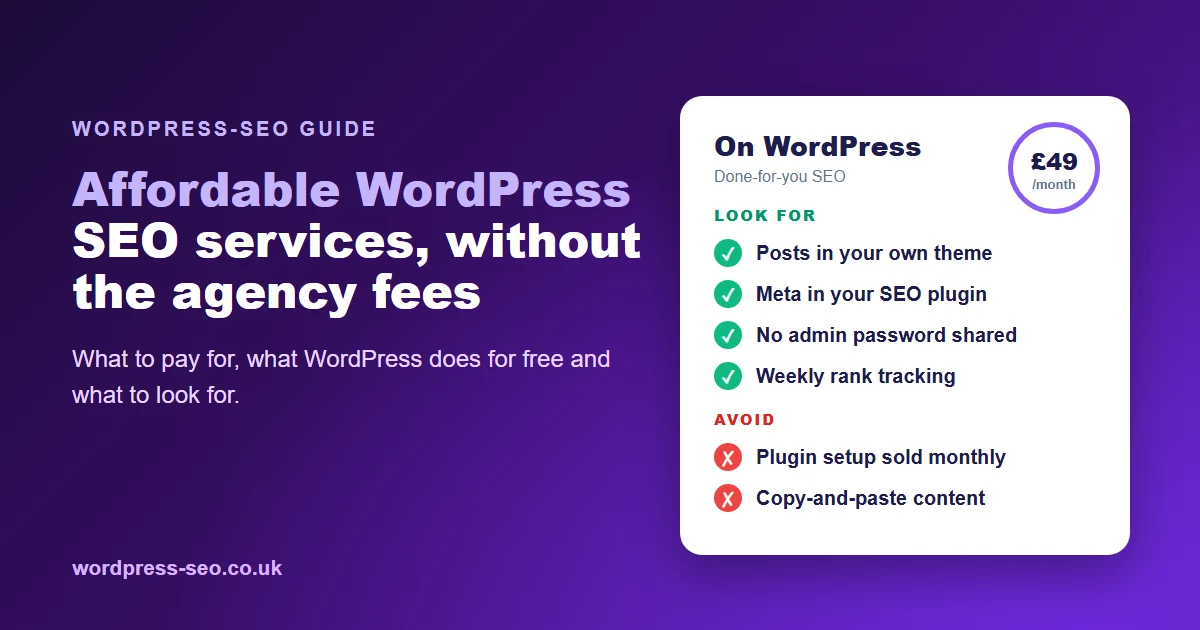
UK businesses have several paths to ranking a WordPress website on Google. You can DIY with plugins and guides, pay a traditional agency, or use an automated managed service. Each has trade-offs in cost, time, and results. Agencies offer bespoke strategies but typically start at £200/month and can run into the thousands for competitive industries. DIY plugins are cheap but require ongoing effort and expertise. Automated services like WordPress-SEO.co.uk combine managed keyword research, writing, and publishing for a fraction of agency costs—starting at just £49/month with a £1 trial and cancel anytime flexibility.
| Solution | Typical Monthly Cost | Content Creation | On-Page Optimisation | Automated Publishing | Best For |
|---|---|---|---|---|---|
| SEO Agency | £200–£5,000+ | Yes | Yes | No | Large or complex sites |
| DIY SEO Plugins | £0–£20 | No | Yes | No | Hands-on business owners |
| WordPress-SEO.co.uk | From £49 | Yes | Yes | Yes | UK SMEs seeking affordable automation |
WordPress-SEO.co.uk undercuts traditional agency retainers by an order of magnitude, offering fully managed SEO for UK businesses who want results without the hassle of managing content or hiring expensive consultants. This makes it easier than ever to achieve high rankings and grow your business organically.
Frequently Asked Questions
How often should I update my WordPress website to rank on Google?
Ideally, publish new content weekly or fortnightly. Consistency is more important than volume; regular updates help maintain and boost your Google rankings.
What are the best plugins for WordPress SEO in 2026?
Yoast SEO, Rank Math, and All in One SEO Pack remain top choices for managing on-page SEO, sitemaps, and schema markup. Combine these with a caching plugin for speed.
How can I specifically improve my local SEO for WordPress in the UK?
Optimise your Google Business Profile, get listed on UK directories, use location-based keywords, and encourage reviews. Consistent NAP details and local backlinks further boost your local rankings.
Does my WordPress theme affect my Google ranking?
Yes. Choose a fast, mobile-friendly, well-coded theme. Poorly coded themes can slow your site and harm your rankings, while responsive themes help you rank better on mobile searches.
Is managed WordPress SEO really more affordable than agencies?
Absolutely. Services like WordPress-SEO.co.uk start at just £49/month—far less than the £200+/month typical for UK agencies—while delivering automated content, keyword research, and technical SEO.
If you’re ready to stop guessing how to rank a WordPress website on Google and want a proven, stress-free approach, WordPress-SEO.co.uk can handle everything—from keyword research and writing to publishing and on-page optimisation. Focus on growing your UK business while we get you seen. For further help, visit the UK Business Support Helpline or explore our affordable managed SEO plans today.