Struggling to get your WordPress website noticed by local UK customers? You’re not alone. Many small-business owners launch a great-looking site, but find it buried beneath competitors on Google—making it tough to grow. If you want to attract more traffic without hiring an expensive agency or writing endless content yourself, mastering SEO is essential.
Key Takeaways
- Consistent publishing of optimised content is the #1 driver of organic growth for WordPress sites in the UK.
- Essential SEO plugins and tools simplify optimisation for beginners—no code required.
- Local SEO tactics help your business appear in searches relevant to your UK area.
- Automated services like WordPress-SEO.co.uk make ongoing SEO affordable for small businesses.
- Avoiding common beginner mistakes accelerates your search rankings and saves time.
What is WordPress SEO and Why Is It Important?
The Basics of SEO for WordPress Websites
WordPress SEO for beginners UK refers to optimising your WordPress website so that search engines like Google can understand, rank, and display your site for relevant searches. WordPress already powers over 40% of websites worldwide, making it a prime choice for small businesses across the UK. But simply launching a WordPress site isn't enough—you need to actively optimise it to compete.
Why SEO Matters for UK Businesses
Most UK consumers start their search for products or services online. If your business doesn’t appear on the first page of Google, you’re missing out on valuable leads. Effective SEO strategies for WordPress websites UK ensure your business gets found by local customers, increasing traffic and conversions. According to Statista, over 90% of UK internet users rely on search engines to find information—making SEO more important than ever in 2026.
Beginner’s Guide to WordPress SEO: Getting Started
Choosing the Right SEO Plugins
One of the best WordPress SEO practices for beginners is to install a reliable SEO plugin. Top WordPress plugins for SEO UK, such as Yoast SEO, Rank Math, and All in One SEO, help you manage titles, meta descriptions, XML sitemaps, and more—without technical knowledge. These tools also provide a handy WordPress SEO checklist for beginners, guiding you through essential steps.
Setting Up Your Site Structure
Clear navigation and logical page structure are vital for both users and search engines. Create a simple menu, use descriptive URLs, and structure your content with headings (H2, H3, etc.). Internal linking between related articles boosts SEO and keeps visitors engaged. WordPress makes it easy to organise pages and posts—just ensure every page serves a clear purpose.
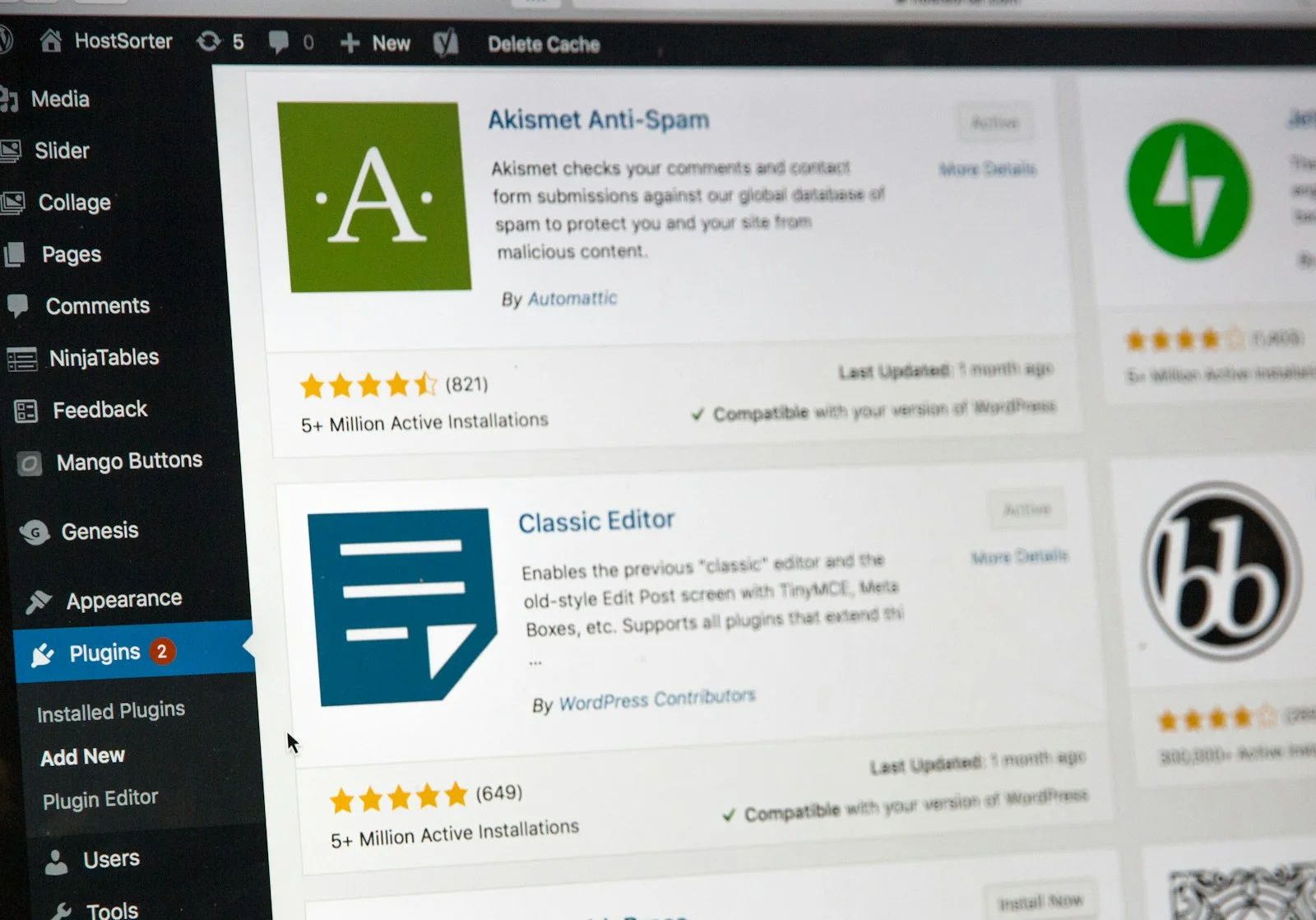
How to Improve WordPress Search Rankings in the UK
Keyword Research and Content Optimisation
Understanding how to do keyword research for WordPress UK is essential. Focus on terms your ideal customers are searching for—especially those with local intent (like “plumber in Leeds” or “best accountants London”). Free SEO tools for WordPress websites such as Google Keyword Planner and Ubersuggest can help you identify the right phrases. Then, naturally weave these keywords into your content, titles, and meta descriptions for the best results.
Consistent Content Publishing
Consistency is king. Publishing optimised, relevant articles regularly is the single biggest driver of organic growth for WordPress websites. Not only does this give search engines more content to index, but it also builds your authority in your niche. Many UK businesses struggle to maintain this pace—services like WordPress-SEO.co.uk automate keyword research, writing, and publishing so you can maintain momentum without hiring extra staff.
Local SEO for WordPress in the UK
Optimising for Local Searches
Local SEO ensures your business appears in searches specific to your UK region or town. To get started, add your business address, phone number, and hours to your site footer and contact pages. Register your business with official UK directories and Google Business Profile, and encourage local reviews. Use location-specific keywords throughout your site to target nearby customers.
Schema Markup and Google Maps
Adding schema markup (structured data) to your website helps search engines display rich results, such as star ratings or location maps. Many SEO plugins offer easy schema options for beginners. Embedding a Google Map on your contact page further boosts your local relevance and makes it simple for UK customers to find you.

How Much Does WordPress SEO Cost in the UK?
Agency vs. Automated Solutions
The cost of managed WordPress SEO in the UK typically starts around £200/month for basic agency packages, scaling to over £5,000/month for enterprise-level campaigns. DIY tools are cheaper, but require your time and expertise. WordPress-SEO.co.uk offers a fully managed, automated solution from just £49/month—with a £1 trial and no contracts—undercutting traditional agencies by a significant margin and making SEO accessible for small businesses.
Comparing Features and Value
| Service | Typical Monthly Cost | Included Features | Best For |
|---|---|---|---|
| Traditional SEO Agency | £200–£5,000+ | Manual research, content, reporting | Large budgets, custom campaigns |
| DIY SEO Plugins | £0–£30 | Tool access, no content or strategy | Tech-savvy business owners |
| WordPress-SEO.co.uk | From £49 | Automated research, writing, publishing | UK small businesses, affordable growth |
WordPress SEO Mistakes to Avoid
Overlooking On-Page SEO Elements
Many beginners neglect basic on-page elements like meta titles, descriptions, and alt text for images. These details help search engines understand your content and improve click-through rates. Use a WordPress SEO checklist for beginners to ensure you never miss a step when publishing new content.
Ignoring Site Speed and Mobile Optimisation
Slow-loading sites and poor mobile experiences can harm your rankings. Optimise images, choose a reliable host, and ensure your theme is mobile-friendly. Regularly check your site’s performance using free tools such as Google PageSpeed Insights. Remember, most UK users now browse on mobile devices—don’t lose them to frustrating site issues.
Frequently Asked Questions
What are the best SEO plugins for WordPress in the UK?
Popular choices include Yoast SEO, Rank Math, and All in One SEO. These plugins offer essential features like meta tags, sitemaps, and schema markup—making them ideal for UK beginners aiming to improve their rankings.
How long does it take to see results from WordPress SEO?
Most UK businesses notice improvements in 3–6 months with consistent effort. Factors like competition, site age, and publishing frequency all affect how quickly you climb the search rankings.
Is local SEO different from general SEO?
Yes. Local SEO targets searches specific to your UK location, helping you appear in “near me” results and Google Maps. It involves optimising your business details and gathering local reviews, in addition to general SEO best practices.
Do I need to write blog posts regularly?
Yes—consistent, optimised publishing is crucial for organic growth. If you’re short on time, automated services like WordPress-SEO.co.uk handle content creation and publishing on your behalf.
Can I do WordPress SEO myself, or should I hire help?
You can start with plugins and checklists, but many small UK businesses prefer managed or automated solutions for better results and time savings, especially as competition increases in 2026.
Ready to transform your website into a customer-magnet? With the right approach, WordPress SEO for beginners UK becomes straightforward—especially when you use services like WordPress-SEO.co.uk. From keyword research to publishing, we make it easy for UK businesses to grow online—at a fraction of traditional agency costs.